Archive for the 'Tools & Calculators' Category
My series of articles on How To Make “Free” Money From 0% APR Balance Transfers has been very popular and many readers have also jumped in. Despite the risks, I’m still happily earning some money from the credit card companies for a change, and haven’t missed any payments. From the beginning, people have asked me to make a spreadsheet or calculator in order to estimate the potential profit from such endeavors. I initially decided against doing so because there are lots of different variables at stake that make an exact prediction close to impossible. However, I think it may still be useful to obtain some more realistic numbers.
Without further ado, I present to you the…
0% Balance Transfer Profit Calculator
Inputs and Definitions
- Arbitraged Interest Rate (APY) - Where are you putting the money you’re borrowing for free? This is the interest rate of the investment vehicle (savings account, CD, Treasury bond) you are using, or perhaps the interest rate of the existing loan (car, home equity, student) that you are paying down.
- Starting Balance (dollars) - How much money are you transferring?
- Monthly Minimum Payment (%) - Usually you must still make a monthly minimum payment on the outstanding balance during the 0% period, which will decrease your profit potential slightly. This is usually around 2%, but may vary between 1.5% and 4%.
Assumptions
- The balance transfer is for 12 months at 0% APR, with no balance transfer fee. You can find my list of the best 0% APR offers here with low or no balance transfer fees here.
- The interest is assumed to compound monthly, which allows me to convert from APY to APR, and then to a periodic rate. Compounding frequency is a variable here, but doesn’t change the numbers too much.
- I am ignoring the time required to actually convert the balance transfer into cash earning interest. Sometimes this can take up to a few weeks, sometimes it is much faster. Instead of guessing, I just leave it be.
- I am also ignoring things like grace periods and the timing of statement cycles and due dates, which can actually increase the time that your borrowed money is earning interest, and thus your profit.
- If you are earning interest in a taxable bank account, you will likely owe income tax on that interest at your marginal rate. This is not accounted for in the calculator, but is a simple calculation.
(If you’re confused about what I am talking about, please refer to the tutorial mentioned above.)
Example Profit Calculation
Let’s say you obtain $15,000 and place it in a bank account paying 5.25% APY, with a 2% monthly payment. Using our assumptions, the 5.25% APY is equivalent to 5.13% APR, or earning 0.4273% of the balance each month.
Beginning of Month #1: You have $15,000 in the bank. Total balance left on credit card: $15,000. Nothing is due yet.
End of Month #1: You earn $64.10 in interest, but also need to pay back $300 (2% of $15,000) out of your bank balance for the minimum payment.
Beginning of Month #2: Total in bank:$14,764.10. Total balance left on credit card: $14,700.
End of Month #2: You earn $63.09 in interest, but also need to pay back $294 (2% of 14,700).
This continues for 12 months, as shown below:
At the end of the 12th month, your bank balance is $12,477.87, and you still owe $11,770.75 on the card. You pay it off completely, leaving you with the resulting estimated profit of $707.12.
Play around with the calculator. Some people actually have over $100,000 out at once, earning them thousands of dollars a year. My credit limits aren’t quite that high…. yet!
Posted in Credit Cards, Deals & Offers, Tools & Calculators | 65 Comments »
While on Vanguard’s website I recently ran across a new and useful tool that help helps you calculate and compare costs for similar Vanguard ETFs and mutual funds. The tool takes into account trade commissions, the difference in expense ratio, redemptions fees, future purchases, and even the expected bid-ask spread.
For the unfamiliar, I’ll be very simplistic and say that exchange-traded funds, or ETFs, are mutual funds that can be traded like individual company stocks. Due to the way they are constructed, ETFs tend to have lower expense ratios than their mutual fund counterparts, but you will need to pay a commissions each time you trade. There is also a little bit of added loss due to the bid-ask spread.
For example, you could compare the Vanguard Total Stock Market Index Fund (VTSMX) with the Vanguard Total Market ETF (VTI). Both invest in the exact same set of companies, and holds over 1,000 companies that track closely the entire U.S. market. VTSMX charges an annual expense ratio of 0.19%, or $19 on a $10,000 investment. VTI has an expense ratio of only 0.07%, a mere $7 for each $10,000 invested.
I tried an example where I start with $10,000 of either VTSMX or VTI, and say that I will add another $1,200 each quarter for another 10 years. I assumed $5 trade commission and a 8% annual return. Here are the results:
(fixed the numbers :P) The cost edge goes to the ETF in this case, with a cost difference of $300. Really, I don’t see that as all that much over 10 years. But, as you get into larger amounts, the gap widens. If you continued the same example for another 20 years, the ETF’s cost advantage would be $7,000.
For this reason, I feel like it is only a matter of time before I start moving all of my current all-mutual fund portfolio into ETFs. In fact, the majority of my funds already have an identical ETF counterpart.
Anyhow, you can play with this calculator and change the variables to see your situation. Note that Admiral shares are an option once you reach $100,000 per fund. I’ve got a while before that…
But in terms of the big picture, both of these funds have very low costs and would serve as a great cornerstone to a retirement portfolio. If you are just starting out, I think you’ll see the difference is very small; I really wouldn’t stress too much about going either way.
Posted in Investing, Tools & Calculators | 26 Comments »
There are many investments out there that are exempt from certain taxes. For example, U.S. Savings Bonds and Treasury Bonds are exempt from state and local income taxes. In addition, there are money market funds available that are exempt from federal income tax and others that are even exempt from a specific state or city’s income taxes.
Therefore, it is desirable to know what the equivalent fully-taxable rate is for one of these investments. For example, is it more profitable to earn a federal tax-exempt interest rate of 3.8% or a fully taxable 5.0%? How about a Treasury Bill paying 4.8%? Several variables affect this rate, including your marginal tax brackets for each area, as well as if you itemize your state and local taxes on your federal tax return. I could not find a calculator that accurately captured all of this, so I made my own.
Example
Let’s say you live in California, and your marginal federal tax rate is 25%, your state rate is 9.3%, and you have no local income taxes. You do not itemize your taxes. You are trying to compare the taxable Vanguard Prime Money Market Fund (VMMXX, yielding 5.08%), the federally exempt Vanguard Tax-Exempt Money Market Fund (VMSXX, yielding 3.48%), and the state and federal tax-exempt Vanguard California Tax-Exempt Money Market Fund (VCTXX, yielding 3.38%).
With that profile, the tax equivalent 7-day yields would be 4.804% for VMSXX, and 5.145% for VCTXX, making the California Tax-Exempt Fund the best bet currently for this specific situation.
How It Works (Warning: Math Ahead!)
The calculator computes the tax-equivalent rates by comparing after-tax returns. That is:
AfterTaxReturnEquivalentTaxableRate = AfterTaxReturnTaxAdvantagedRate
Using the California Tax-Exempt Fund example above:
EquivalentRate x (1 - FederalTaxes - StateTaxes) = 3.38%
EquivalentRate x (1 - 0.25 - 0.093) = 0.0338
EquivalentRate = 5.145%
So earning 3.38% free from federal and state taxes is the same as earning 5.145% in a fully taxable account.
Note that itemizing deductions means that you deduct your state income taxes from your federal taxable income. The effect is that your overall tax liability is reduced, which lowers the benefit of any tax-exemptions and thus the equivalent rates. That would change the previous equation to:
EquivalentRate x (1 - FederalTaxes - StateTaxes + (FederalTaxes x StateTaxes)) = 3.38%
EquivalentRate = 4.969%
The inclusion of this option may give different results from some of the other online calculators out there, but I believe it makes the results more complete. Another fully-worked-out example can be found here for savings bonds.
Finally, it may be handy to use this in conjunction with my Ultimate Interest Rate Chaser Calculator. Be sure to compare APRs to APRs and APYs to APYs.
Useful Resources
2007 Federal Tax Rates
State Income Tax Rates
Recent Treasury Bill Auction Results
Savings Bonds Rates
Posted in Banking, Savings Bonds, Tools & Calculators, Treasury Bills and Bonds | 17 Comments »
One of the basic ways to adjust the risk and return characteristics of your investment portfolio is to decide what percentage to hold in stocks and bonds. This is another one of those hard questions for which there is no single best answer for everyone. You must take into account risk acceptance and time horizon amongst other factors.
An old rule of thumb is that your stock allocation percentage should be 100 minus your age. That is, a 30-year old should have 70% stocks/30% bonds, and a 70-year old should have 30% stocks/70% bonds. This was not just taken out of thin air, and has a basis from historical returns. As you near retirement, you want to have more bonds as that reduces overall volatility. More recently, others have altered this to a more aggressive “110-age” or even “120-age”.
Members of the Diehards investment forum recently performed a informal survey of member’s asset allocations versus their age, and here are the results:
As you can see, there is definitely a lot of scatter in the data. However, if you made a linear fit, it roughly corresponds to a formula of stock percentage = 112.5 - age.
This made me curious - what about all those Target Retirement Funds? Their job is to decide an asset allocation that works for as many people as possible based on their retirement date. If I assume that people retire at 65 years old, here is what the asset allocation versus age looks like for three of the more popular fund families: Vanguard, Fidelity, and T. Rowe Price:
As you can see, the funds are actually pretty aggressive. (I covered previously how T. Rowe Price is more aggressive than Vanguard.) If one did force linear fits for all three fund families, it would correspond roughly to stock percentage of 119 - age. However, they don’t really adjust linearly with time. If I use a 2nd order curve fit instead, I can make a little tool that estimates their stock percentages for any age:
None of this is investment advice, it’s just an observation of what’s out there. Next, I’ll try to find some historical return and standard deviation numbers for another view of how to answer this question. What do you think of all this?
Posted in Investing, Retirement, Tools & Calculators | 21 Comments »
Yodlee MoneyCenter is an account aggregation service that logs into your online accounts automatically in order to track your financial balances and transactions. It’s also a great way to see all your rewards points. While Yodlee is available for free directly, they make their money by licensing their software to financial institutions. Thus, you may know it instead as HSBC EasyView, Fidelity FullView, Wachovia OneStop, or Bank of America My Portfolio.
I’ve discussed in the past why I use Yodlee to track my accounts, despite the potential security concerns. One of the major worries was that if someone got a hold of your Yodlee password, they could then get access to all your other passwords. But I just noticed that at least for the Bank of America and HSBC versions, they have disabled the ability to see your individual account passwords. They are still viewable in the Yodlee direct version.
I like the hidden passwords, and now use BofA My Portfolio exclusively. It is slightly more inconvenient for those that use the service as a password reminder service, but I think it makes things significantly more secure. It is much easier for a hacker to gain access into a single user’s account by phishing or spyware than to break into to a bank’s central database. Still not perfectly secure, but I thought I’d give people a heads up.
Posted in Tools & Calculators | 12 Comments »
If you itemize deductions and live in a state with sales tax, give the IRS Sales Tax Deduction Calculator a spin.
Taxpayers who itemize deductions on Schedule A of the Form 1040 in 2006 have the option of deducting the amount of state and local sales taxes paid instead of deducting their state and local income taxes paid. Taxpayers cannot take a deduction for both sales and income taxes.
Residents of states with no income tax should definitely look into this. If you have made some large purchases this past year, it may also be worth the effort to dig up those receipts. Via Consumerist.
Posted in Taxes, Tools & Calculators | 1 Comment »
I sensed that people weren't quite satisfied with my Rate of Return Estimation Calculator. After wasting lots of time trying to program the internal-rate-of-return (IRR) function myself, I realized I could simply embed an online spreadsheet. Ain't technology grand?
The spreadsheets below will do all the exact calculations for you. I made one for 2006 and one for calculating your ongoing year-to-date and annualized returns in 2007. You will need to supply the date and amount of all deposits and withdrawals in your accounts. If you reinvested dividends then those can be ignored and rolled into the return.
Calculate Your 2006 Portfolio Return
Read the rest of this entry...
Posted in Investing, Tools & Calculators | 11 Comments »
Some of you may be wondering how well your specific portfolio performed last year. Figuring out your exact personal rate of return requires you to know the exact dates of all your deposits and withdrawals, along a financial calculator or software program with an IRR function. For an simple and quick estimate of your returns for 2006 (or any other period), try this tool instead:
Instructions
Read the rest of this entry…
Posted in Investing, Tools & Calculators | 4 Comments »
More than a month ago, I wrote a post about tracking your spending for a month. I tried to think of the best way to budget, but I don’t think there is anything that works for everyone.
Everyone knows about MS Money and Quicken, so instead I’ve decided to compile a resource of free budgeting tools so that people can try them out on their own. Try a few. Get some ideas. Make your own. The important thing is to find something that works for you.
Here they are in no particular order:
Read the rest of this entry…
Posted in Budgeting, Tools & Calculators | 39 Comments »
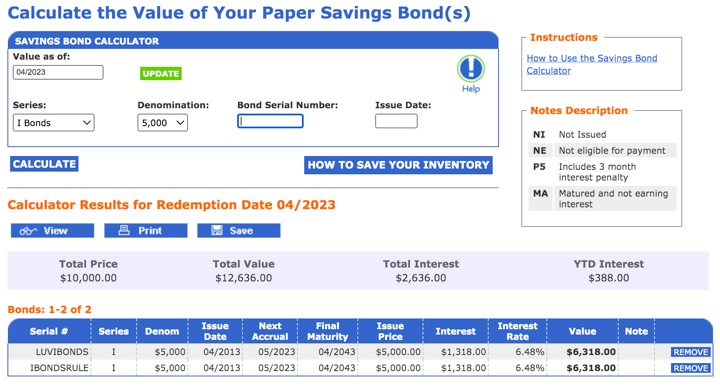
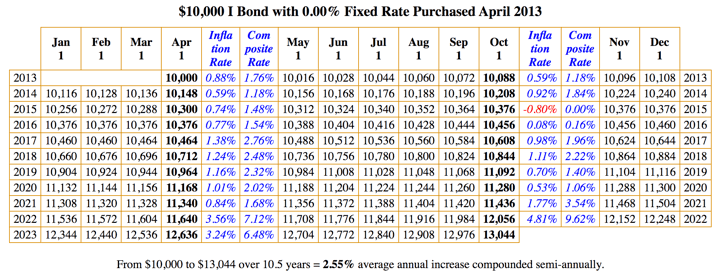
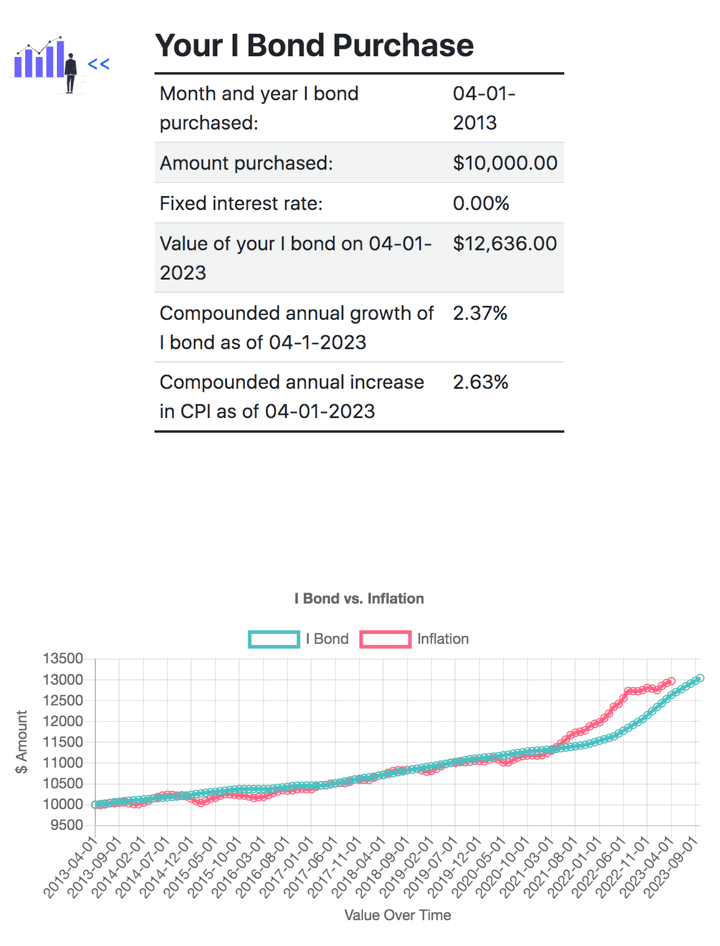
As predicted in October, the new inflation portion of I-Bonds is 3.12% and the new fixed rate is 1.4%, for a total of 4.52%. This is still lower than what is available via Treasury Bills and online savings accounts, so those of us with older Savings Bonds should really think about cashing them in. But when is the best time to do it? Here how I try to figure it out, and a quick calculator that does it for you.
Should you redeem?
But first, let’s make sure you want to redeem. I-Bonds have several tax-advantages:
- Interest is exempt from state and local income taxes (although so is T-Bill/T-Bond interest)
- Interest can be tax-free for certain educational expenses
- You can choose when to pay taxes on it with cash basis reporting (and thus possibly delay until when you are in a lower tax bracket)
Read the rest of this entry…
Posted in Savings Bonds, Tools & Calculators | 17 Comments »
Thinking about moving your cash to a higher interest rate? There are a lot of banks paying 5% interest or more out there. Many are online, but some might already be in your neighborhood.
Next, use this handy calculator to find out how much more money you’ll be looking at:
Read the rest of this entry…
Posted in Banking, Tools & Calculators | 32 Comments »
It’s open enrollment season again, which means it’s time to decide on your benefits and spending account contributions. PayCheckCity has a variety of tools for simulating what your take-home pay would be if you added disability insurance, increased your FSA amount, and so on.
It can also be a good time to check your paystubs and see if you want to make any other changes. Maybe you want to increase your cashflow, or see if you can afford to put more away in your 401k. You can also check if you’ve already paid as much taxes so far this year as you did last year. If so, you could underwithold taxes on purpose and stick the difference in an interest-bearing account to make a few extra bucks. You can then wait until April 15th to pay up what you owe without penalty. Uncle Sam makes millions every year on people who overwithold their taxes - why not flip the tables? Hint: If you want to stop withholding as much, you can put up to 10 allowances on your W-4 without IRS notification. You can put as many allowances as you want, but I wouldn’t go totally nuts.
Thanks to Mapgirl’s Fiscal Challenge for the PayCheckCity link.
Posted in Taxes, Tools & Calculators | 10 Comments »
What do you get when you combine the real estate listings on Craigslist and cross-reference them on Google Maps? HousingMaps.com. Only for major metro areas, but it’s still a neat tool.
Craigslist seems to have much more extensive listings for rentals than houses for sale, but more and more real estate agents are putting some of their listings to join the For Sale By Owner crowd. A friend of mine just bought a FSBO house off of Craigslist, and I’m told he got a good deal. Mostly it’s just another way to waste time browsing properties I can’t afford, but who knows, you may get lucky too.
Posted in Real Estate, Tools & Calculators | 3 Comments »
As I’ve mentioned before, I use Yodlee, an account aggregation service, to track all my numerous accounts on a daily basis. You give them all the logins and passwords of your individual financial accounts, and it logs into all the sites for you. In the end you have a real-time view of all your balances and recent transactions, all neatly on one page.
Of course, many people are rightfully afraid that this leads to one point of access. If somehow Yodlee is hacked, they get all your information instead of just that of one bank. This is true, but I look at it a little differently because I have a lot of accounts.
Read the rest of this entry…
Posted in Tools & Calculators | 47 Comments »